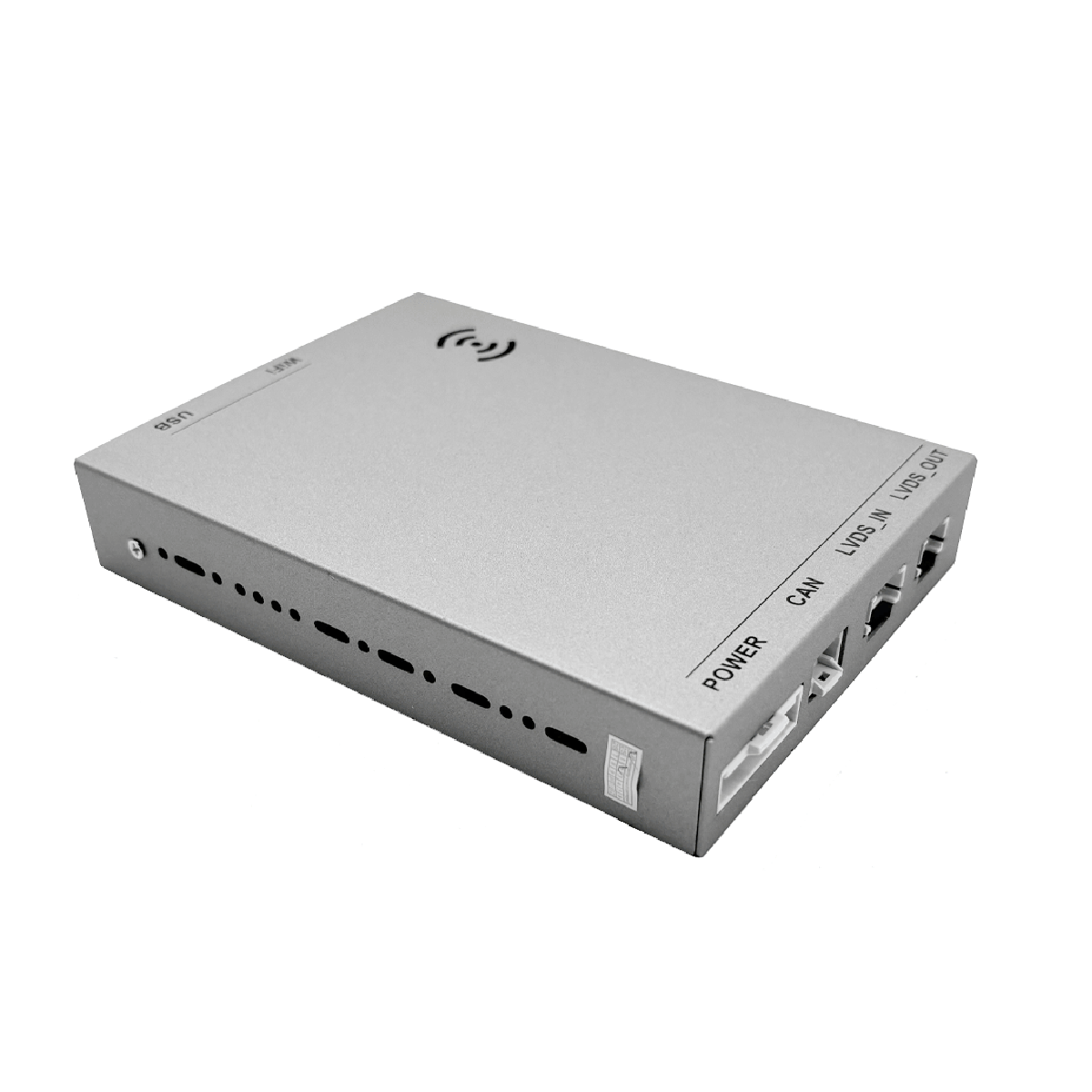
Carlikeit BZ2 メルセデス NTG4.0-5.5 ワイヤレス CarPlay Android Auto
- 定価
-
¥38,500 - 定価
-
- 特価
-
¥38,500
配送期間
1. 処理時間
- ご注文は通常、 1~2 営業日以内(週末と祝日を除く)に処理されます。
発送時にメールが届きますが、おそらくスパムメールに入っていると思いますので、ご注意ください。
2. 配送時間(目安)
配達時間は目的地によって異なります。
- ヨーロッパ: 4~9営業日
- アジア: 7~15営業日
- 米国: 5~8営業日
- カナダおよび北米: 7~15営業日
- 南米: 7~15営業日
- オーストラリアおよびその他の地域: 7~15営業日
申し訳ございませんが、アフリカ諸国への配送はできません。
詳細については、配送ポリシーをご覧ください。
30日間の返品ポリシー
当社では 30 日間の返品ポリシーを設けており、商品到着後 30 日以内に返品をリクエストしていただけます。
未使用または使用頻度の低い商品の返品は承りますが、商品はお受け取り時と同じ状態で、元の梱包でご返送ください。また、ご注文番号と返品商品の写真をご提示いただく必要がございます。
詳細については、返品ポリシーをご覧ください。
在庫取り置きの表示がロードできない
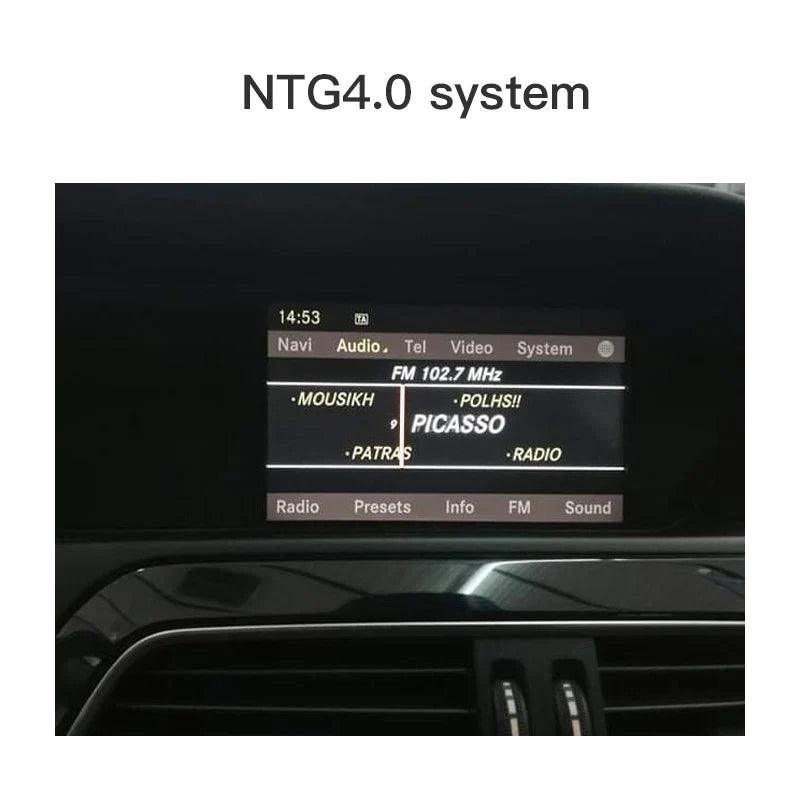
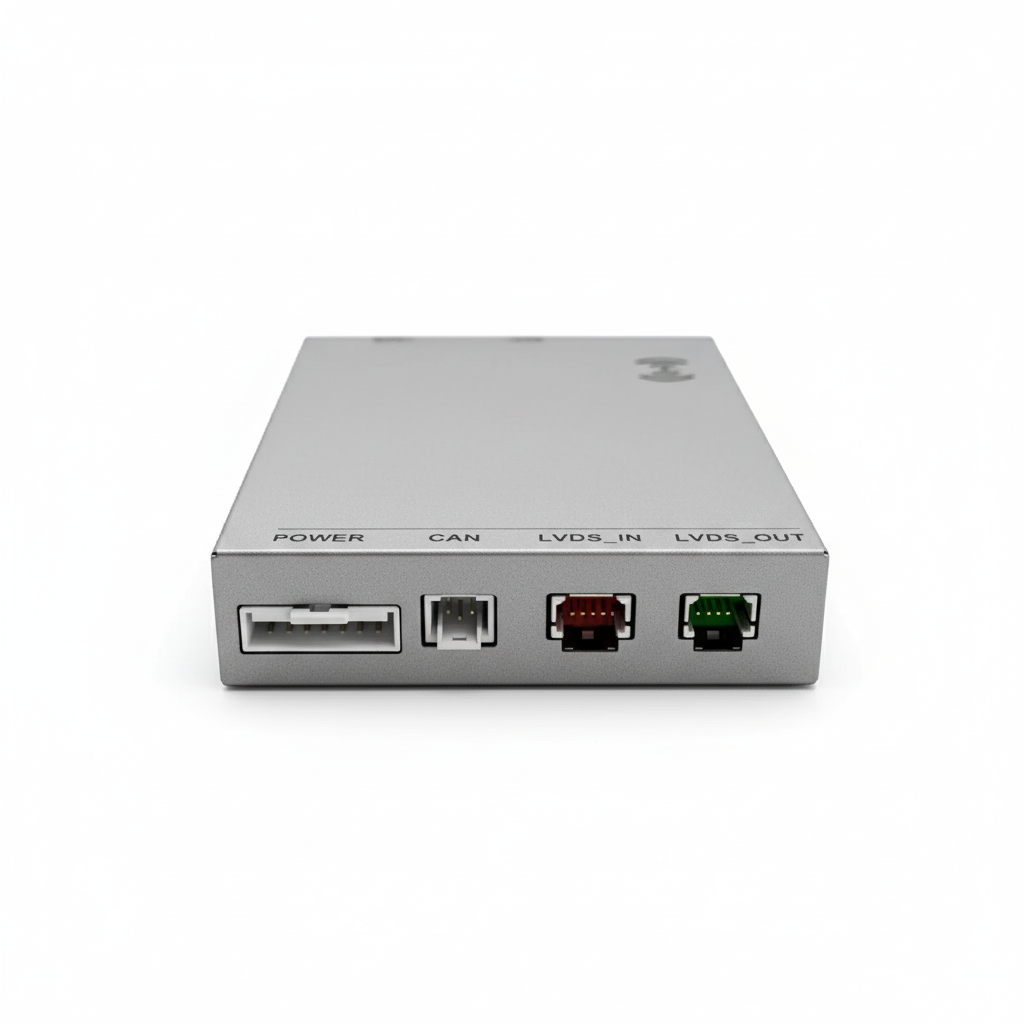
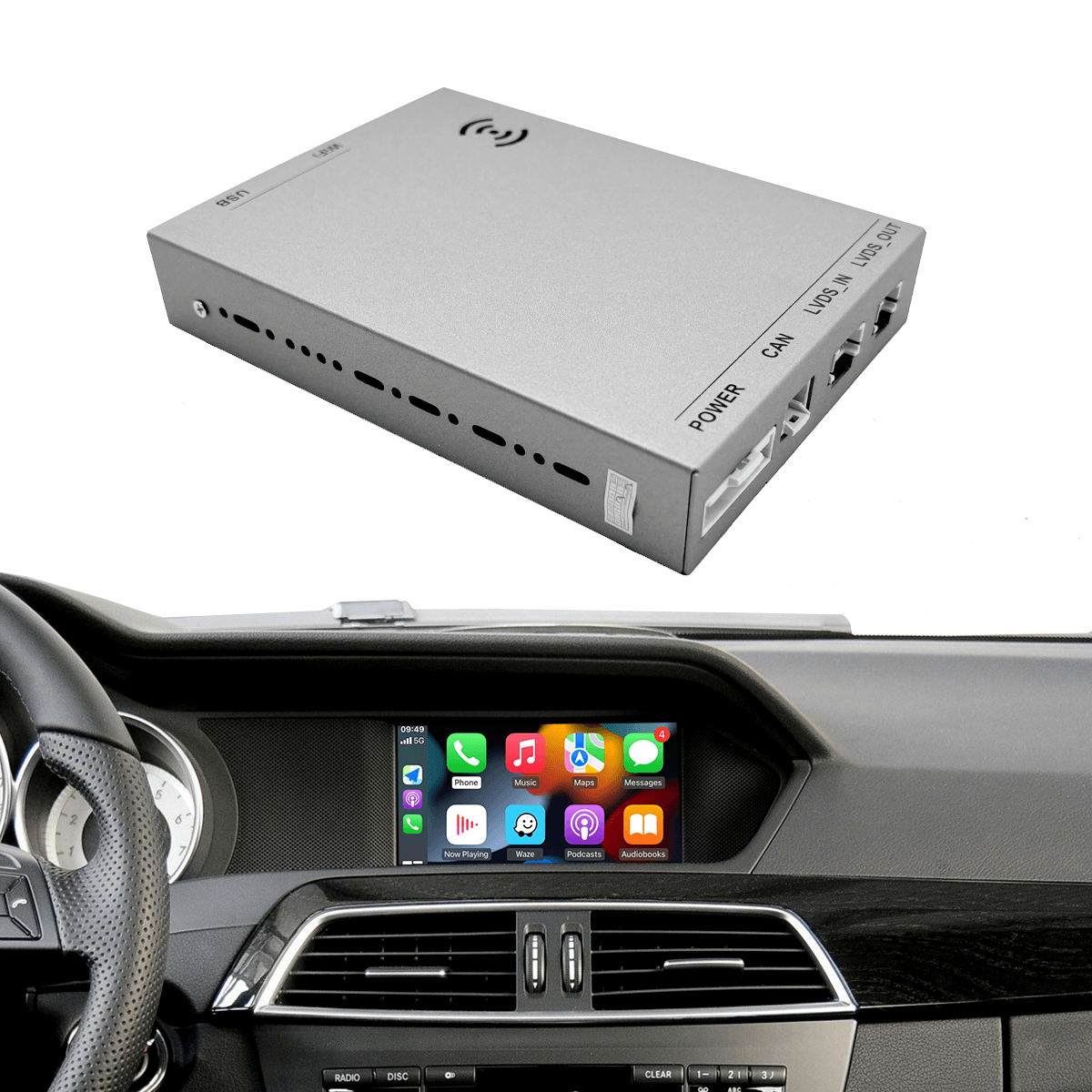
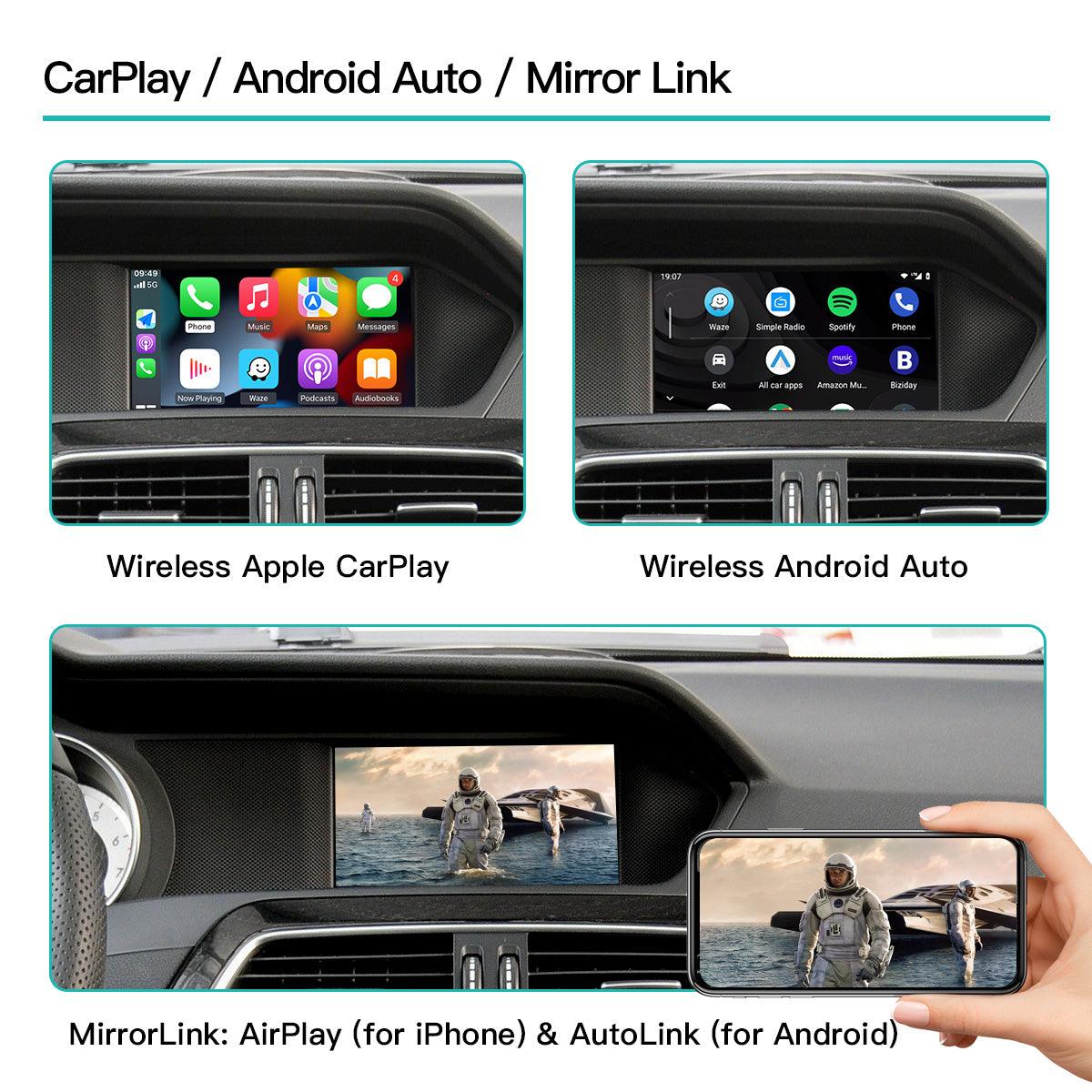
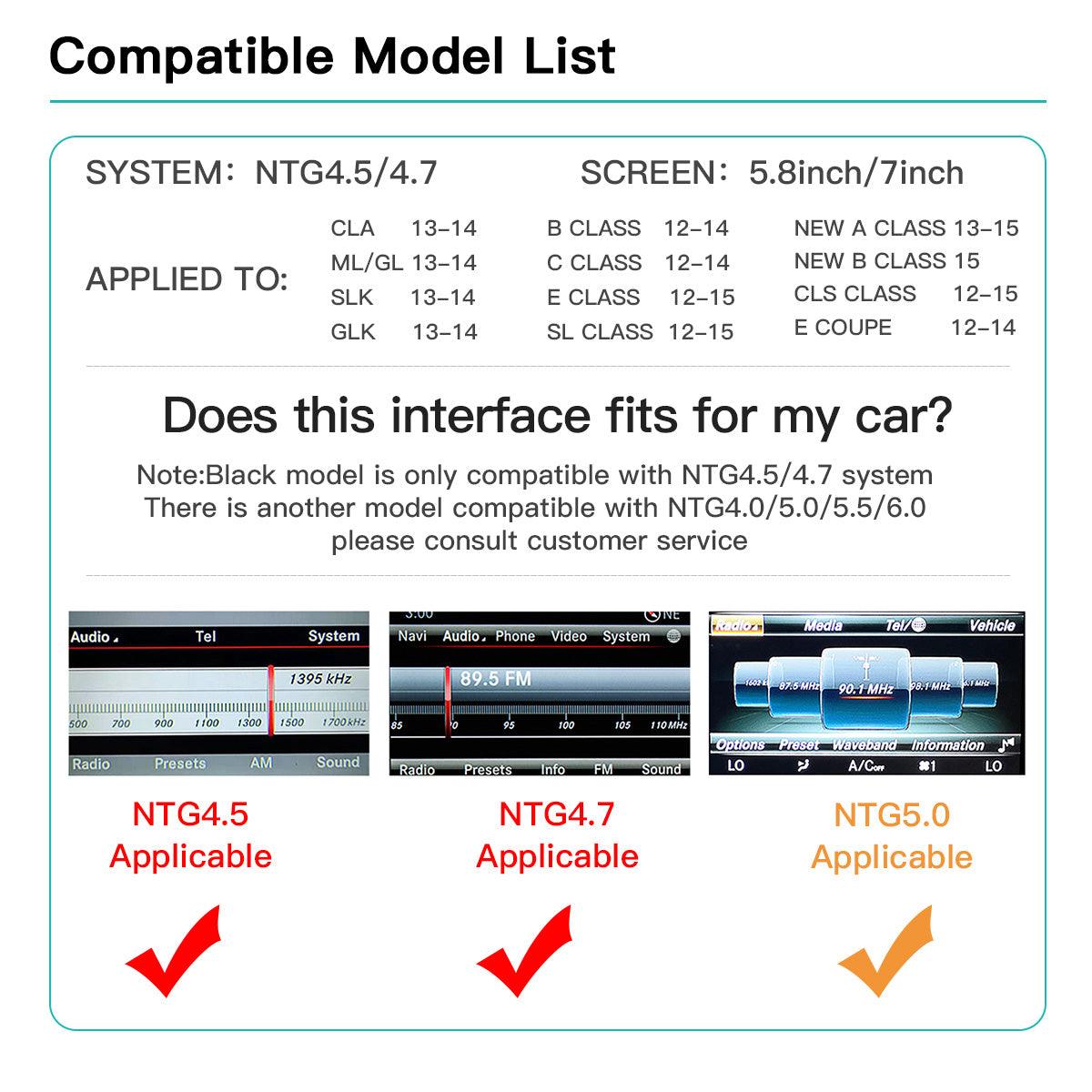
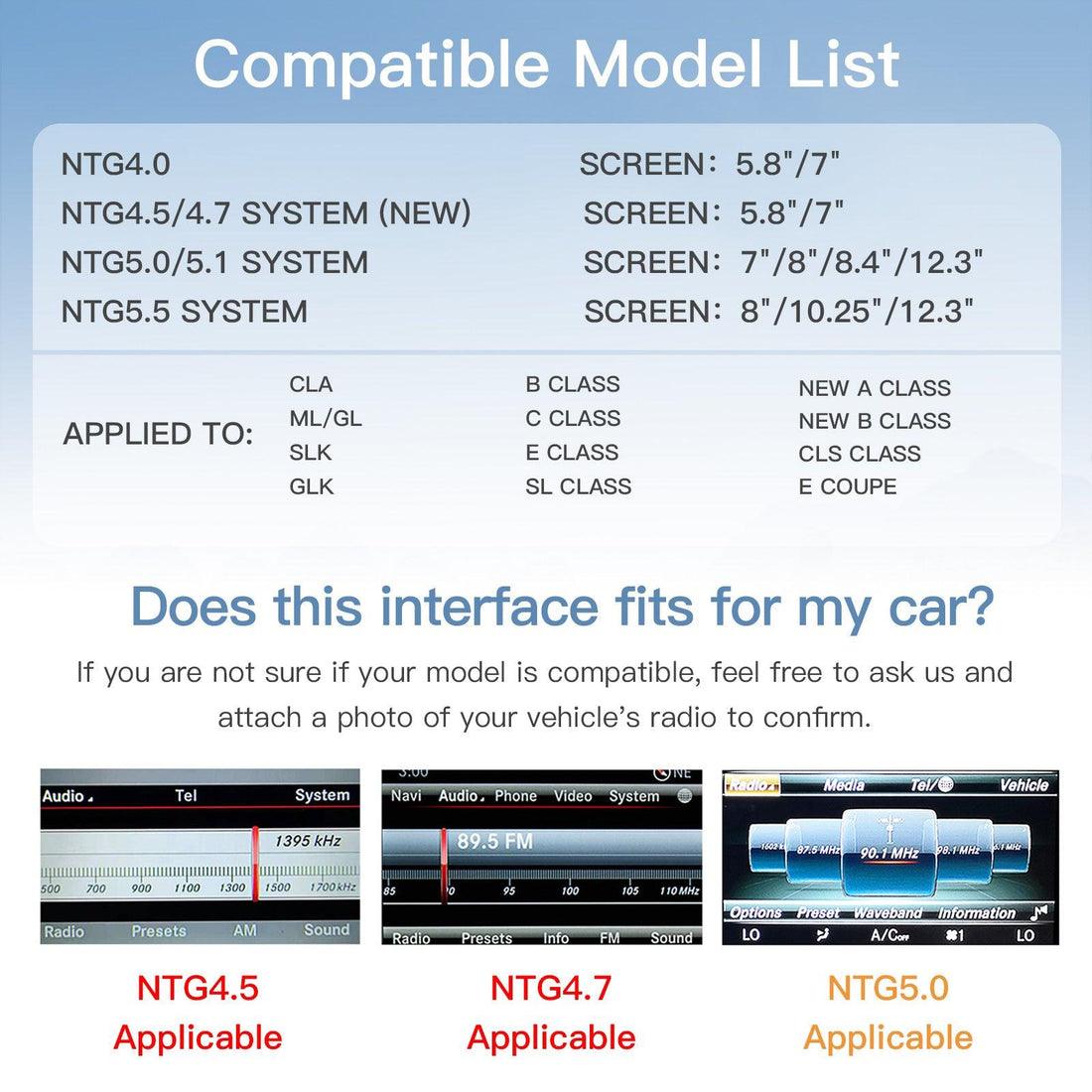
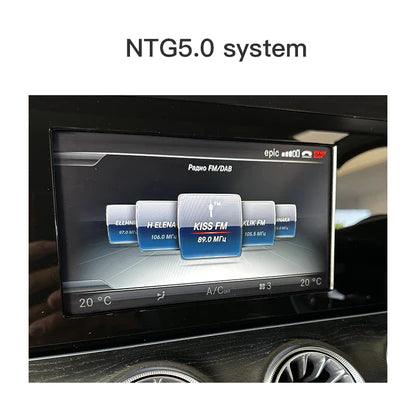
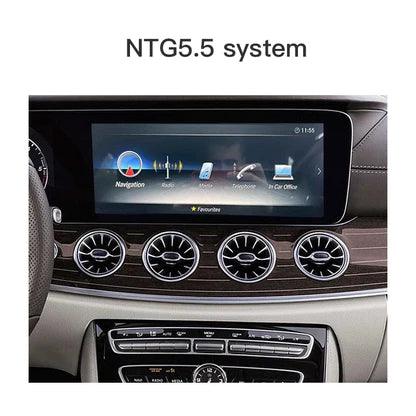
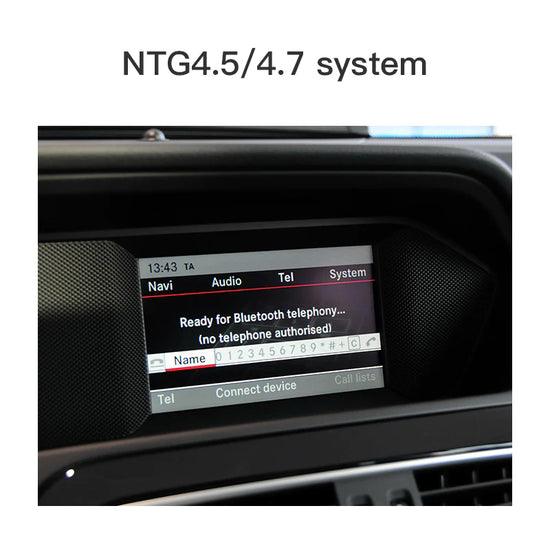
BZ2は、NTG4.0/NTG4.5/NTG5.0/NTG5.5システム搭載のメルセデス・ベンツ車専用に設計されたハイテクマルチメディアモジュールです。LVDS入力を利用することで、CarPlayとAndroid Autoの機能をメルセデス・ベンツ車にシームレスに統合し、スマートフォンと車載エンターテイメントシステムをスムーズに接続できます。
このモジュールは、車両の元の配線と機能を維持し、車両の保証と安全性を維持する非破壊的な取り付けを保証します。

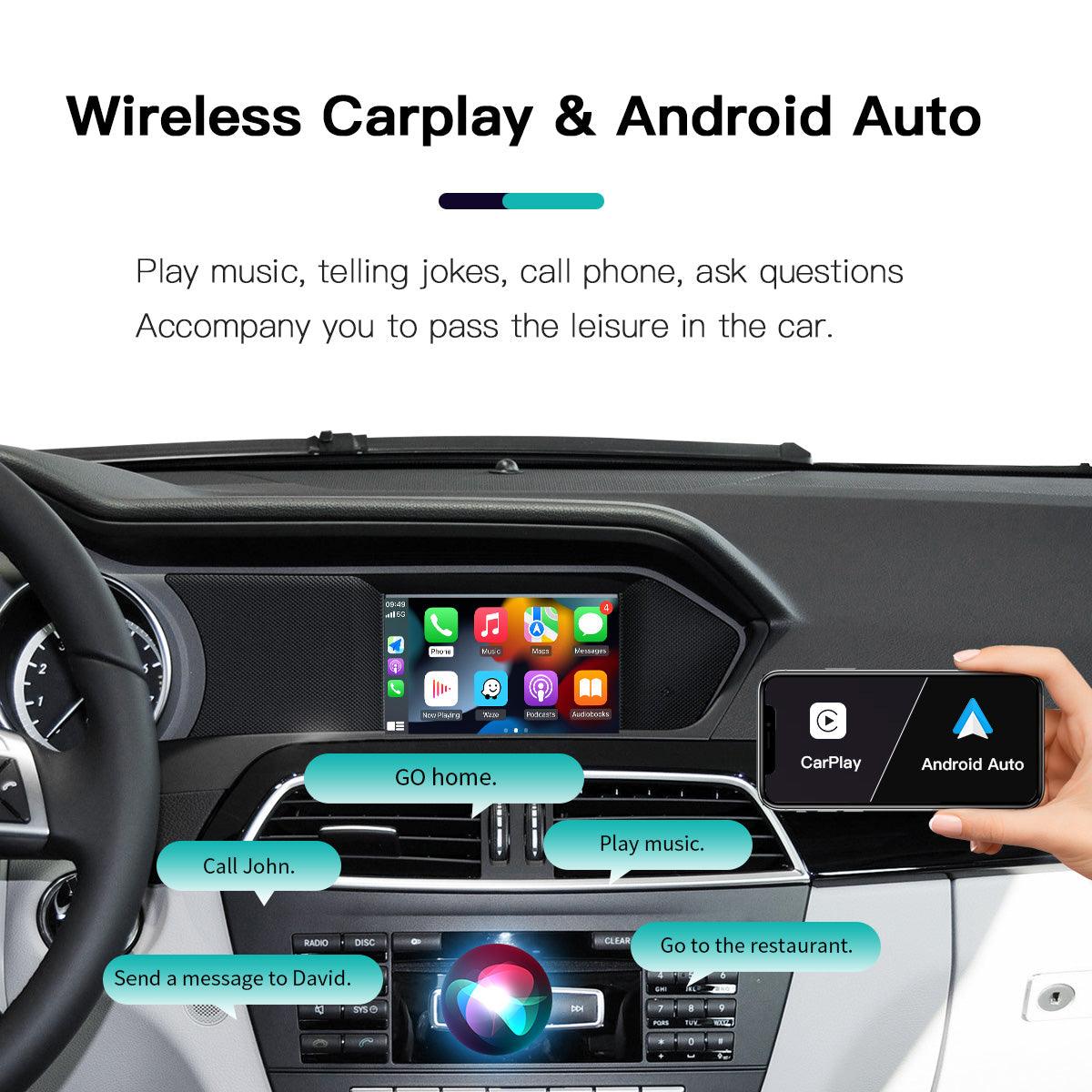
複数のアプリのサポート: Apple のネイティブ アプリケーションに加えて、CarPlay は Waze、Google マップ、Pandora などのサードパーティ アプリをサポートし、多様なニーズに応えます。
ファミリー共有: 家族と車を共有する場合、各ドライバーは自分の Apple ID に基づいてパーソナライズされた CarPlay エクスペリエンスを設定でき、ドライバーを切り替えると構成が自動的に調整されます。

情報ブロードキャスト: Siri は受信したテキスト メッセージ、電子メール、通知を読み上げることができるため、運転中に気を散らすことなく最新情報を入手できます。
リアルタイム更新: CarPlay は Apple マップなどのナビゲーション アプリケーションを統合し、最新の地図情報と交通状況を提供して、最適なルートを選択し、渋滞を回避するのに役立ちます。
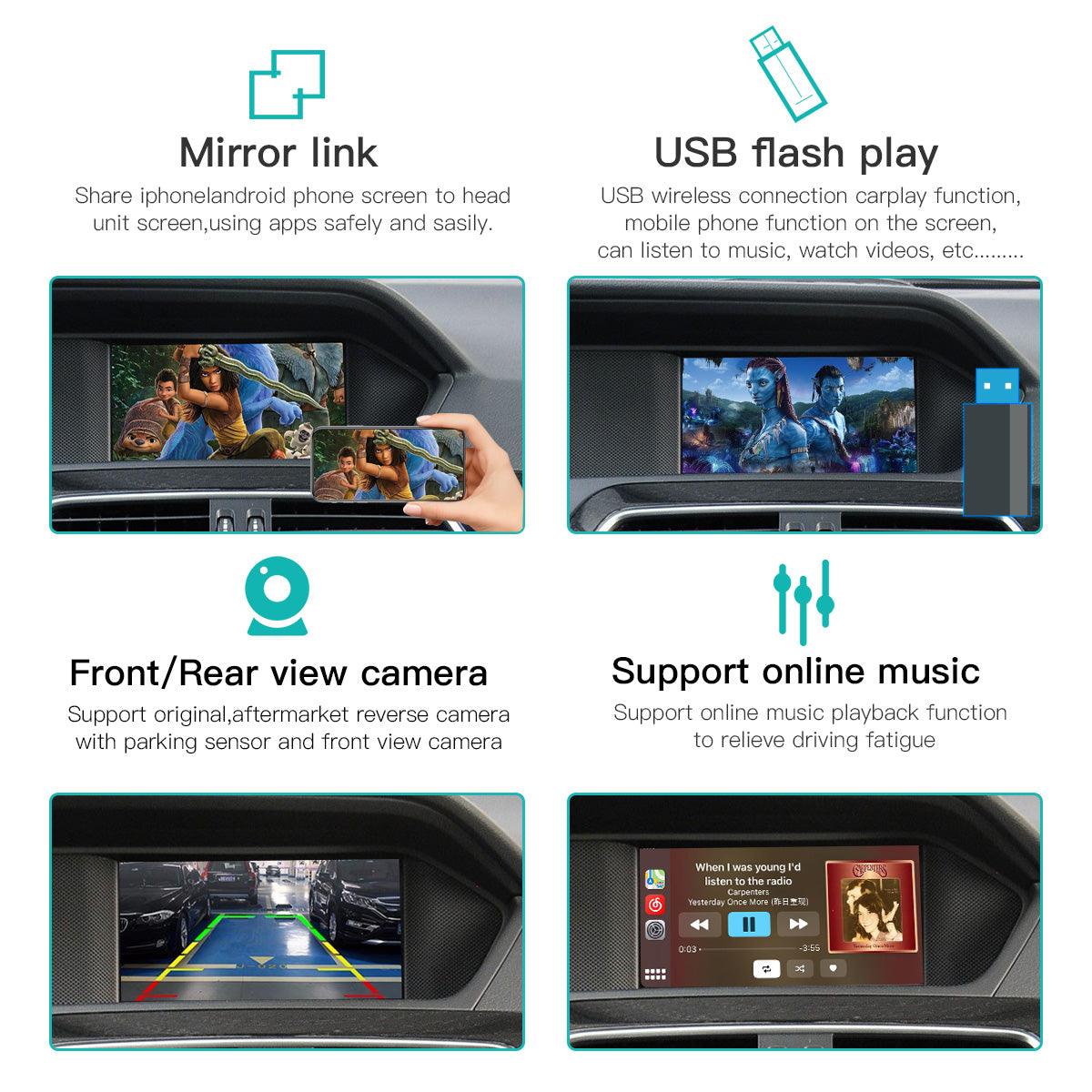
音楽とエンターテイメント: Apple MusicやSpotifyなどのストリーミングサービスで、豊富な音楽ライブラリにアクセスできます。気分や好みに合わせて曲を再生すれば、ドライブがさらに楽しくなります。スマートフォンを手に取ることなく、音声コマンドやステアリングホイールコントロールで曲の再生、一時停止、スキップを操作できます。


正確な道案内:詳細なナビゲーション指示と明確なルート計画により、慣れない道路でも自信を持って運転できます。
BZ2 マルチメディア モジュールで運転体験をアップグレードし、CarPlay がメルセデス ベンツにもたらすスマートで便利、そして楽しいカーライフをお楽しみください。


Carlikeit BZ2 メルセデス NTG4.0-5.5 ワイヤレス CarPlay Android Auto
- 定価
-
¥38,500 - 定価
-
- 特価
-
¥38,500
FAQs
Got a question? We are here to answer
First of all, you will need an expert if you are not a professional to install this which will likely add you about $300. Video is in Chinese and not clearly explains all steps. Its another adventure to figure out how to connect wireless android auto. Youtube video does not work. It constantly drops auto connect so I have to turn off and on my Bluetooth when it does not auto connect. You have to manually switch to night version at night even with automatic setting.
UPDATE: after using about 4-5 months, this thing is dead. Doesn't connect to map, buttons do not work, screen is just black and no control since it doesn't response to control dial button. DO NOT BUY THIS PRODUCT!!!!!
This unit is not compatible with GLC 300 WITH NTG 5 Harman head unit. It will not power up. Installation is not too difficult, but unfortunately does not work for my application
Works some of the time and not on others. When it does work its great. Mainly connectivity issues. Id suggest the screen option over the box.
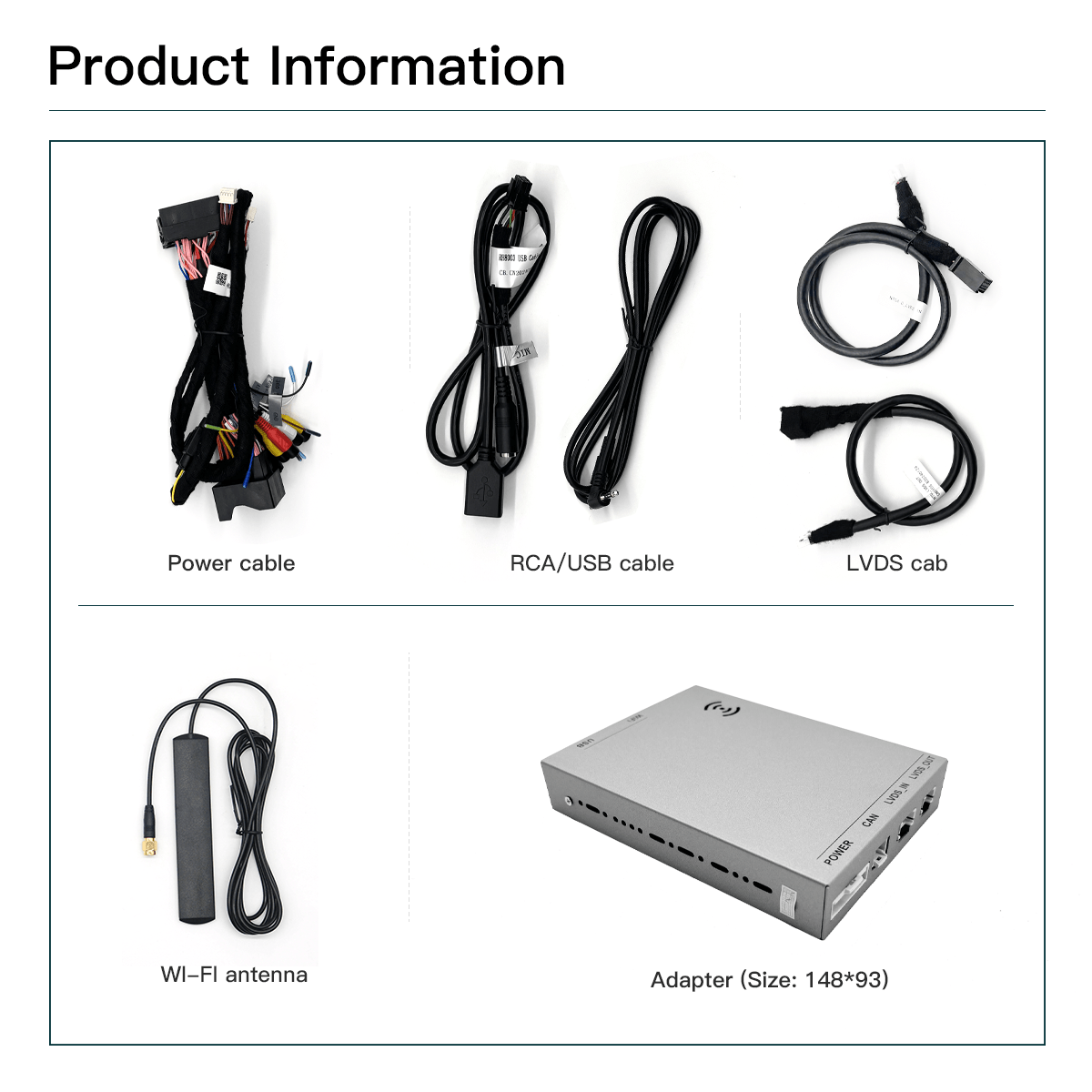
Installed on my 2016 CLA250 Mercedes which was built in 2015 so was not able to use a decoder / activator for Carplay. I also installed an aftermarket back-up camera - crazy that Mercedes did not include a backup camera stock in 2016. Instructions are better than expected - read multiple times and follow them very carefully. For the CLA 250 you will need a set of plastic trim removal tools and a special hook tool to remove the airvents. These are widely available and inexpensive on Amazon. I removed the left and right air vent to access the screws for the head unit and also pried apart and removed the center console inclduign climate controls, ashtray, and cupholder up to the storage box. If you pry along the edges with the plastic tool these just pop right off. You need to do this to run the wire to the USB - i used a rat tale file to make a channel at the top of the storage box so I did not drill any big holes. Once the climate control console is out, you will see that directly under the head unit there is a hole that passes to the space below the center console with the climate controls - There is a big piece of flexible foam at the back - I removed this and I installed the decoder box there and then ran the wires up to the back of the head unit. I put the wifi antenna to the right in a space near the glovebox with no metal or wires. Make sure dip switches are set correctly and make sure the two fiber optic cables are transferred to the new connector that connects directly to the back of the head unit. Trickiest part for me was putting the head unit back in and pulling down the rats next of cables and connectors enough so it would fit back in. Its also very important to ensure the two security cams are in the down position - even when "test fitting" the head unit these cams move and you need to clip back to the open position every time. Carplay works great, audio sounds good, phone works good and I was even able to play movies / you tube via the screen mirroring functions. Some posts complain about durability but time will tell - for now this transformed an older car to the conveniences of Carplay. Happy so far.
My unit isnt functioning properly and have yet to find a way to contact customer service.